
Color Theory Basics for Web Designers & Developers
A friendly intro to color theory for web designers — the color wheel, harmonies, and how to turn theory into a usable palette.
Color theory is the set of guidelines that explains how colors relate and combine. You don't need an art degree — just a few fundamentals will dramatically improve every color palette you build.
The color wheel
The color wheel organizes hues in a circle: primary (red, blue, yellow), secondary (green, orange, purple) and the tertiary blends between them. Relationships on the wheel define color harmonies.
The main color harmonies
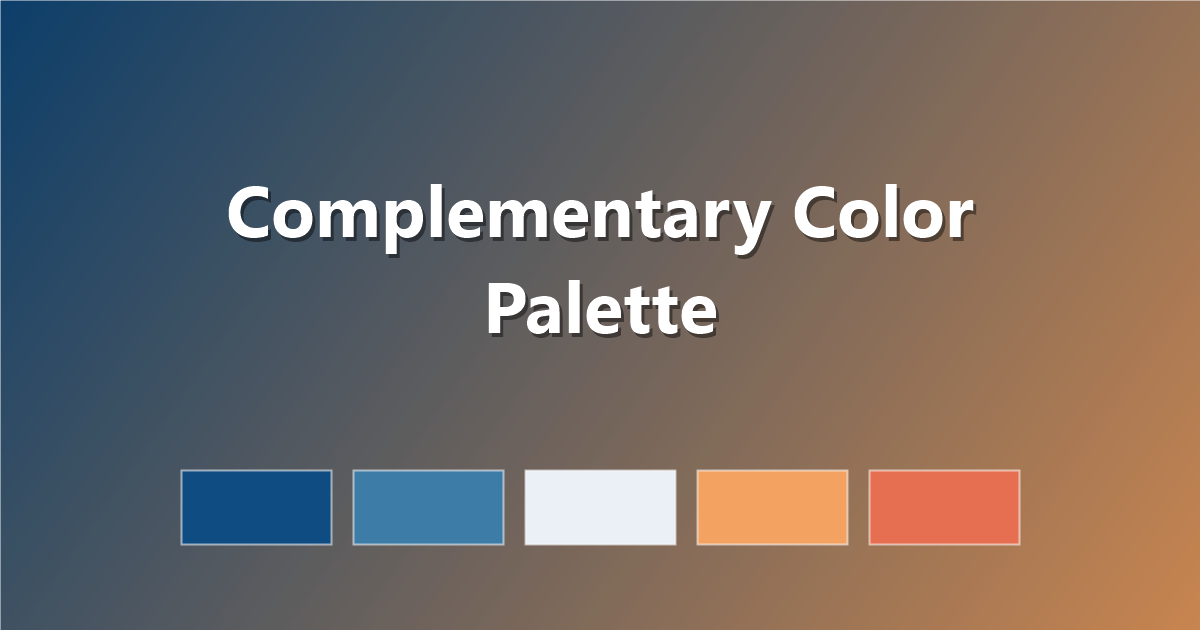
Complementary
Colors opposite each other (e.g. blue & orange). Maximum contrast — great for calls-to-action.
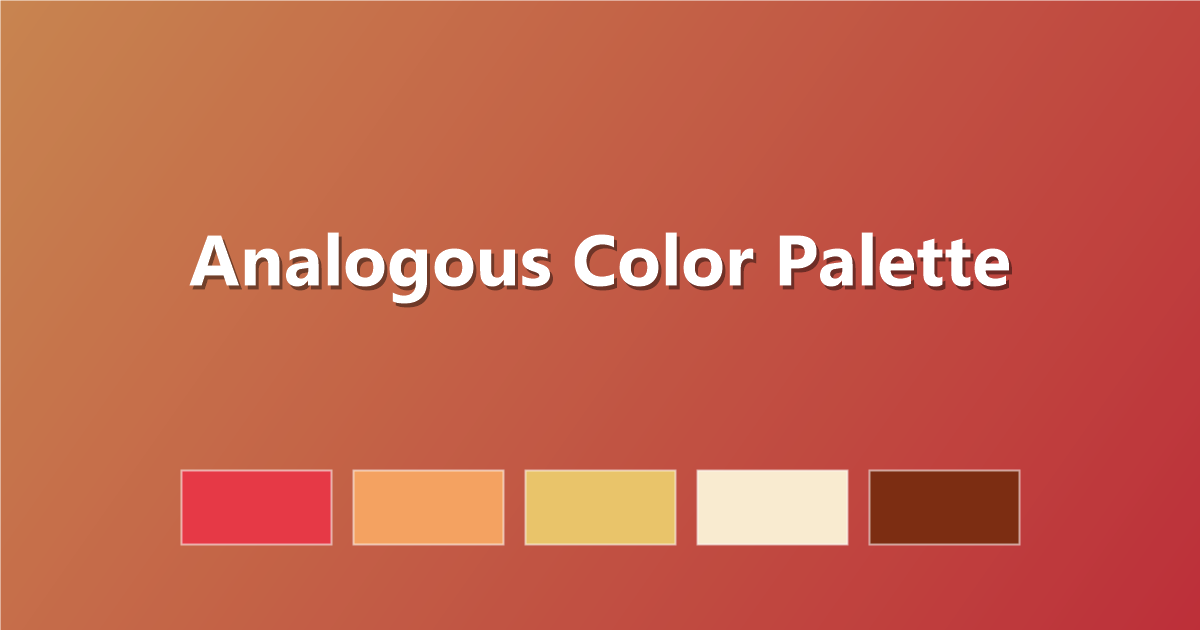
Analogous
Colors next to each other (e.g. blue, teal, green). Calm and cohesive — ideal for backgrounds and CSS gradients.
Triadic
Three evenly-spaced colors. Vibrant yet balanced when one color dominates.
Warm vs cool colors
- Warm (reds, oranges, yellows) feel energetic and inviting.
- Cool (blues, greens, purples) feel calm and professional.
Hue, saturation and lightness
Modern CSS lets you think in hsl(), which maps neatly to theory: hue is the color, saturation is its intensity, lightness is how bright it is. For a deeper dive, see MDN's hsl() documentation.
From theory to palette
Pick a base hue, choose a harmony, add neutrals, and verify contrast. Our step-by-step guide on how to choose a color palette turns this into a checklist.
Frequently asked questions
Do I need to memorize the color wheel?
No — tools like PaletteCSS let you browse harmonious palettes directly, so you can learn by example.
Put it into practice with 50 beautiful color palettes for web design.