How to Choose a Color Palette for Your Website (2026 Guide)
A practical, step-by-step process for choosing a color palette for your website — from picking a base color to checking accessibility.
Choosing a color palette can feel overwhelming, but it comes down to a repeatable process. Follow these five steps and you'll have a balanced, accessible scheme for your website in under an hour.
Step 1: Start with one base color
Pick a single color that reflects your brand's personality — blue for trust, green for growth, orange for energy. Need inspiration? Browse color palettes on PaletteCSS and note which base hues you're drawn to.
Step 2: Build a scheme around it
Use a proven color-harmony rule:
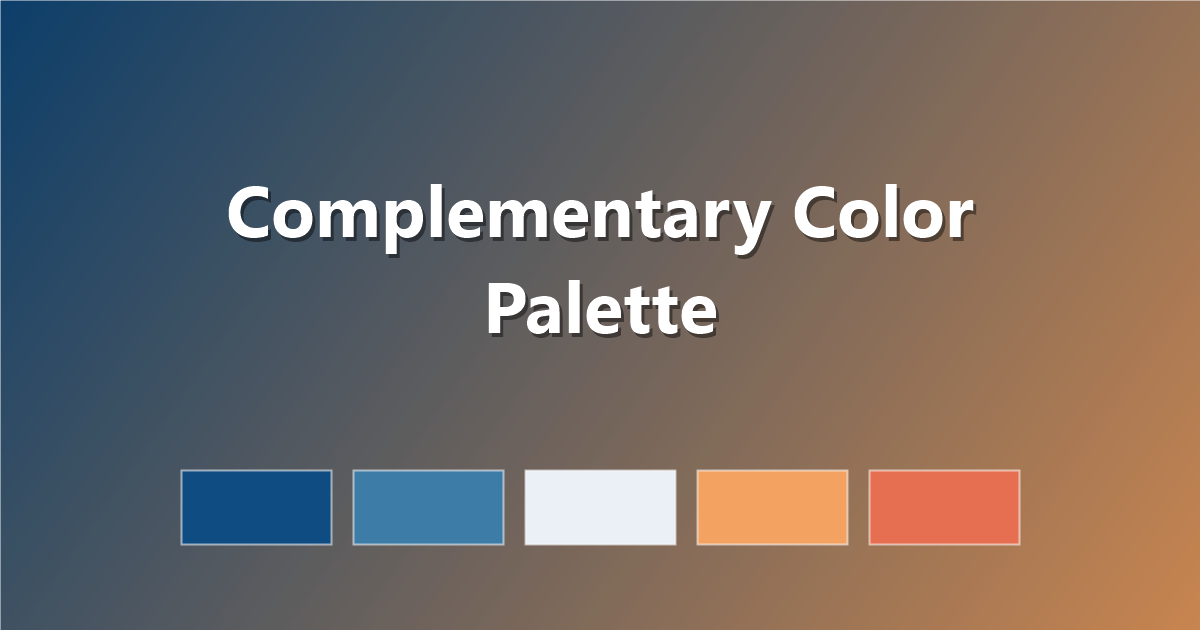
- Complementary — opposite hues for high contrast.
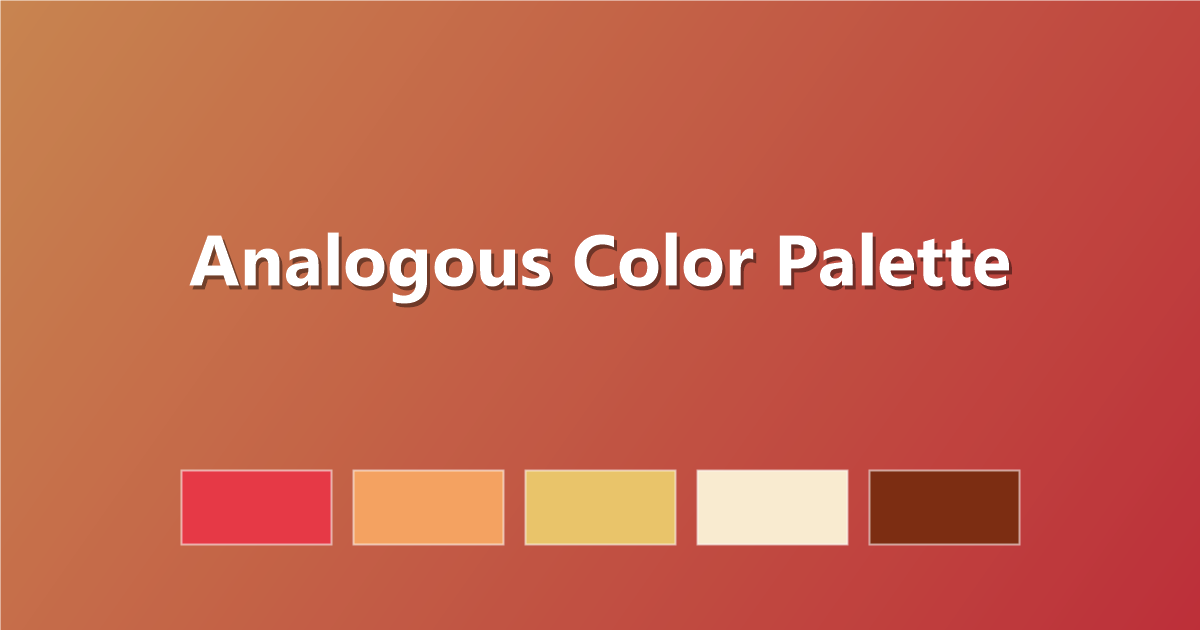
- Analogous — neighboring hues for a calm, cohesive look.
- Triadic — three evenly-spaced hues for vibrant balance.
We explain each in color theory basics for web designers.
Step 3: Add neutrals
Every palette needs a near-white, a near-black and one or two grays for text and surfaces. Neutrals do the heavy lifting; accents add personality.
Step 4: Check accessibility
Verify text contrast meets the WCAG AA standard (4.5:1 for body text). Accessible color isn't optional — it's good design and good SEO.
Step 5: Test it in context
Apply your palette to real components — buttons, links, alerts — before committing. Consider adding a CSS gradient built from two palette colors for hero sections.
Frequently asked questions
What's the 60-30-10 rule?
Use your dominant color for 60% of the design, a secondary color for 30%, and an accent for 10%. It keeps palettes balanced.
How do I copy a palette quickly?
On PaletteCSS, click any swatch to copy its hex code instantly.
Once you have your colors, see 50 beautiful color palettes for web design for ready-made inspiration.
Ready to use these colors?
Copy hex codes, CSS variables and Tailwind config instantly — free.