Gold Color Palette: 6 Luxurious Schemes with Hex Codes
Six gold color palettes with hex codes — from soft champagne to deep antique gold — plus how to fake a metallic look in flat CSS.
Nothing signals premium quite like gold. A well-chosen gold color palette instantly elevates a design — champagne and soft gold whisper understated luxury, while deep antique gold feels rich and traditional. Gold is a staple of high-end branding, weddings, awards and any design that wants to feel special.
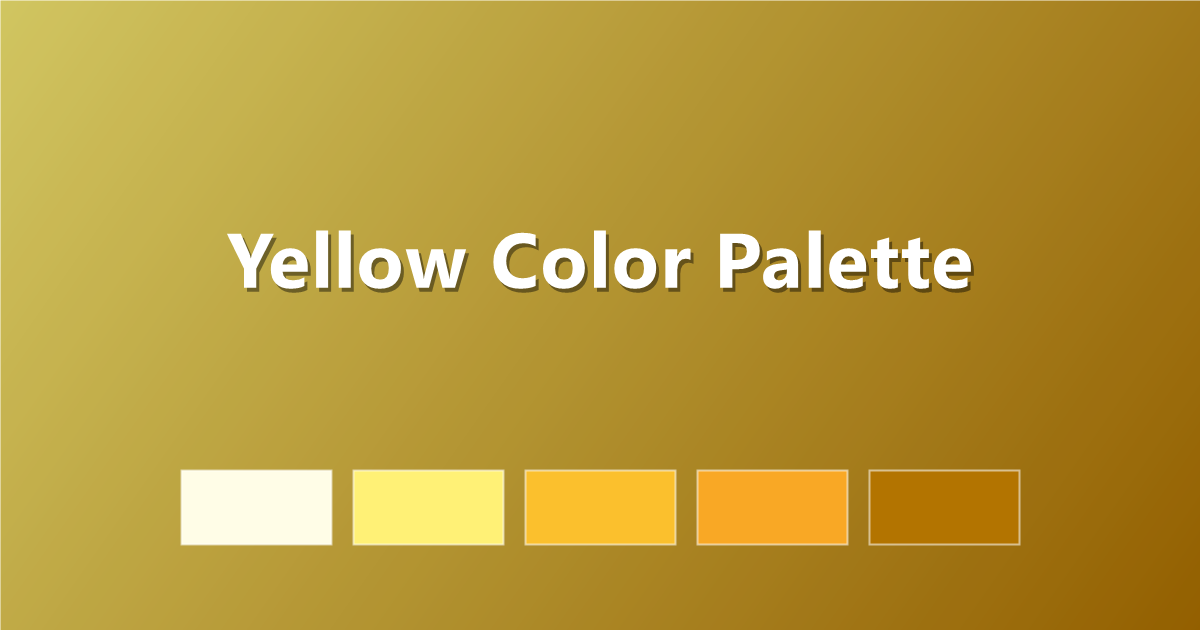
Here are six gold palettes with hex codes, plus a trick for simulating metallic gold using flat CSS. Pair these with the yellow color palette guide, or browse the full PaletteCSS library.
Gold is a family, not one color
"Gold" spans a wide range — from pale champagne to deep antique brass. What unites the family is a warm, slightly muted yellow-orange with enough depth to read as metallic rather than simply "yellow."
- Champagne — pale, soft, elegant.
- Classic gold — the middle-weight, most recognizable gold.
- Antique / brass gold — deeper, more muted, traditional.
- Best pairings — black, navy, deep green and cream all make gold pop.
6 gold color palettes (with hex codes)
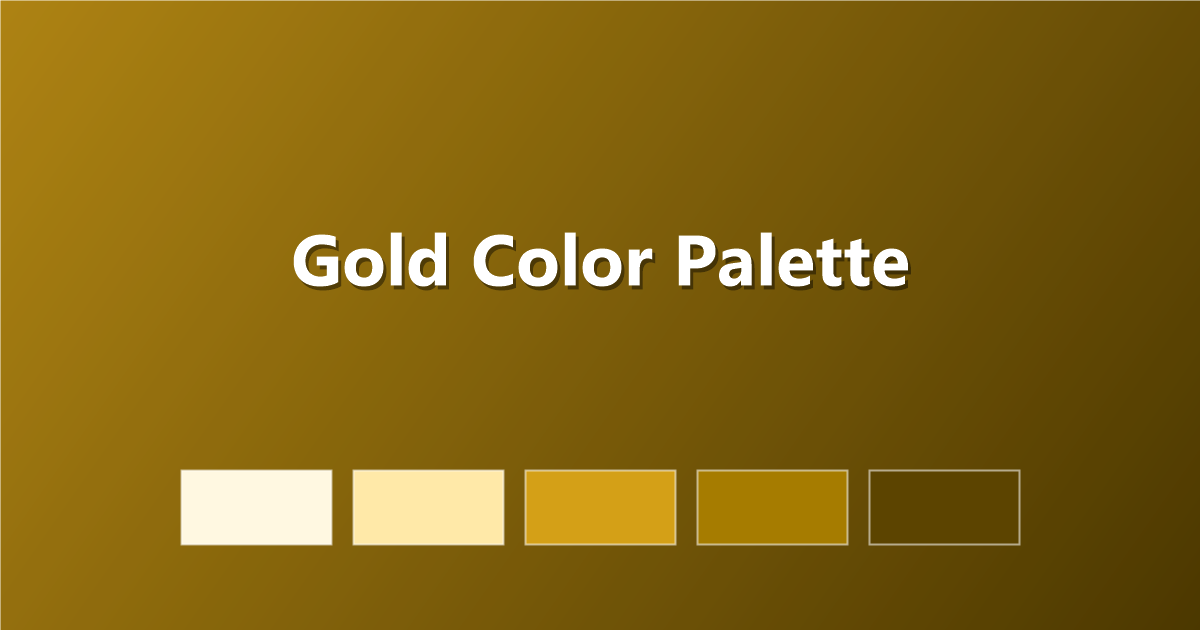
1. Classic Gold Scale
#FFF8E1 · #FFE9A8 · #D4A017 · #A67C00 · #5C4400
2. Champagne
Pale and soft — bridal and editorial.
#FBF3E7 · #F0DFC0 · #D9BE8F · #B8985C · #7A6136
3. Gold & Black
The classic luxury duo, maximum contrast.
#0D0D0D · #2B2418 · #D4A017 · #F1DFA8 · #FAF7EF
4. Antique Gold
Deep, warm, traditional.
#F4E8CE · #D9BE7A · #B8892E · #8A6218 · #4E3A10
5. Gold & Emerald
Jewel-toned richness.
#D4A017 · #F1DFA8 · #0B4F3A · #1F7A5C · #0A2A1E
6. Rose Gold
Warm pink-gold, soft and modern.
#F7E3DA · #E8C4B0 · #C99A81 · #A6725A · #6E4A3A
Simulating metallic gold in CSS
Flat colors cannot truly shimmer, but a gradient fakes the effect convincingly:
.gold-text {
  background: linear-gradient(135deg, #FFE9A8 0%, #D4A017 40%, #A67C00 60%, #FFE9A8 100%);
  -webkit-background-clip: text;
  background-clip: text;
  color: transparent;
}
For buttons or panels, a subtle gradient reads as "metallic" without any images:
.gold-button {
  background: linear-gradient(180deg, #F1DFA8 0%, #D4A017 50%, #A67C00 100%);
  color: #2B2418;
}
Tips for designing with gold
- Pair with a dark neutral. Gold looks richest against black, navy or deep green — it can look washed out on plain white.
- Use it sparingly. Gold is an accent color; too much can feel gaudy rather than luxurious.
- Avoid pure yellow. Real gold always has some brown or orange muting it — pure bright yellow reads as plastic, not metal.
- Gradient over flat for "metal." A two- or three-stop gradient sells the metallic illusion far better than a single hex value.
Frequently asked questions
What is the hex code for gold?
Standard web "gold" is #FFD700, but for a more realistic metallic look, designers often use a muted tone like #D4A017 or #A67C00.
What colors go with gold?
Gold pairs beautifully with black, navy, deep green, burgundy and cream — dark, rich neutrals let gold stand out.
How do I make gold look metallic in CSS?
Use a multi-stop linear gradient moving between light and dark gold tones rather than a single flat color — it mimics the way light reflects off a metallic surface.
Keep exploring: browse color palettes, see the black color palette guide for gold-and-black pairings, or copy a gold gradient instantly.