Random Color Palette Generator: How It Works (and How to Get Good Results)
How random color palette generators actually work under the hood, why some random palettes look great and others look muddy, and how to get better results.
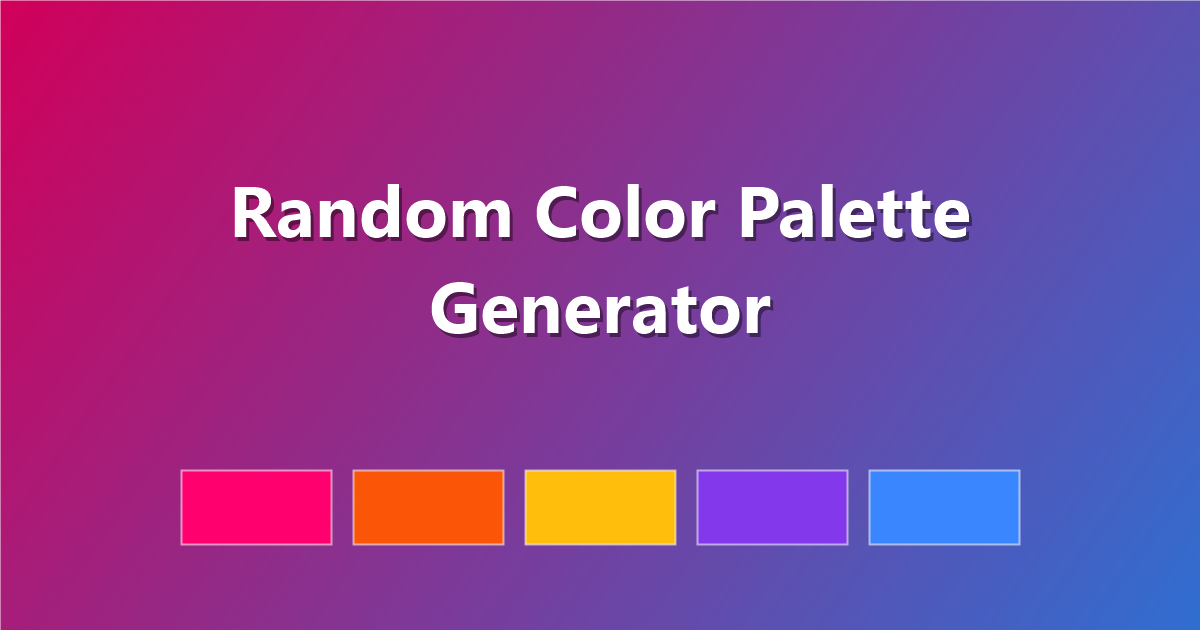
Hit "generate," get a palette, hit it again if you don't like it — a random color palette generator is one of the simplest tools in design, but the good ones are doing more than picking random numbers. Understanding what happens under the hood helps you get better results faster, whether you're using ours or anyone else's.
Want to try it yourself? The PaletteCSS generator is free, generates instantly, and lets you copy the result straight to CSS, Tailwind or SCSS.
What "random" actually means in a good generator
A naive random generator just picks five random RGB values — and it shows. Fully random RGB colors are usually muddy, clash badly, and rarely look intentional. Good generators add constraints on top of randomness:
- Controlled saturation range — avoiding both washed-out and neon-harsh extremes.
- Controlled lightness spread — so the result includes both light and dark values, not five similar midtones.
- Hue relationships — some generators bias toward analogous or complementary hues rather than pure randomness, so colors relate to each other.
In other words: true randomness looks bad. Good "random" generators are randomness plus color theory guardrails.
Why the spacebar trick exists
Most generators (including ours) let you hit the spacebar to reroll instantly. This exists because volume beats precision for random generation — rather than fine-tuning one result, it's faster to generate 20 palettes in ten seconds and pick the one that already looks right. Treat a generator as a filter for your eye, not an oracle that gets it right on attempt one.
How to get better results from any random generator
- Lock what you like. If two colors already work, lock them and only re-roll the rest — this narrows the random space intelligently instead of starting over.
- Generate in batches. Look at 10-15 results before judging the tool; any single roll can be unlucky.
- Use it for the first 80%, refine the last 20% by hand. A generator is excellent at giving you a strong starting point; nudging one or two hex values afterward almost always improves the final result.
- Check contrast before you commit. Random generators optimize for looking good together, not for text accessibility — always verify your final text/background pairing.
When a random palette will let you down
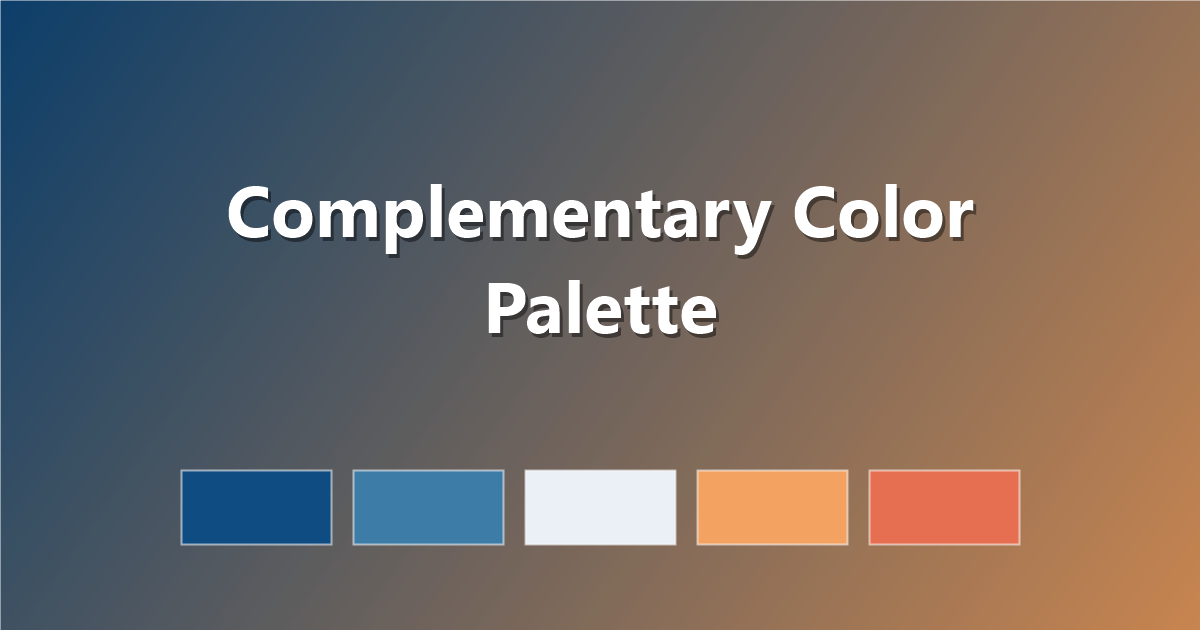
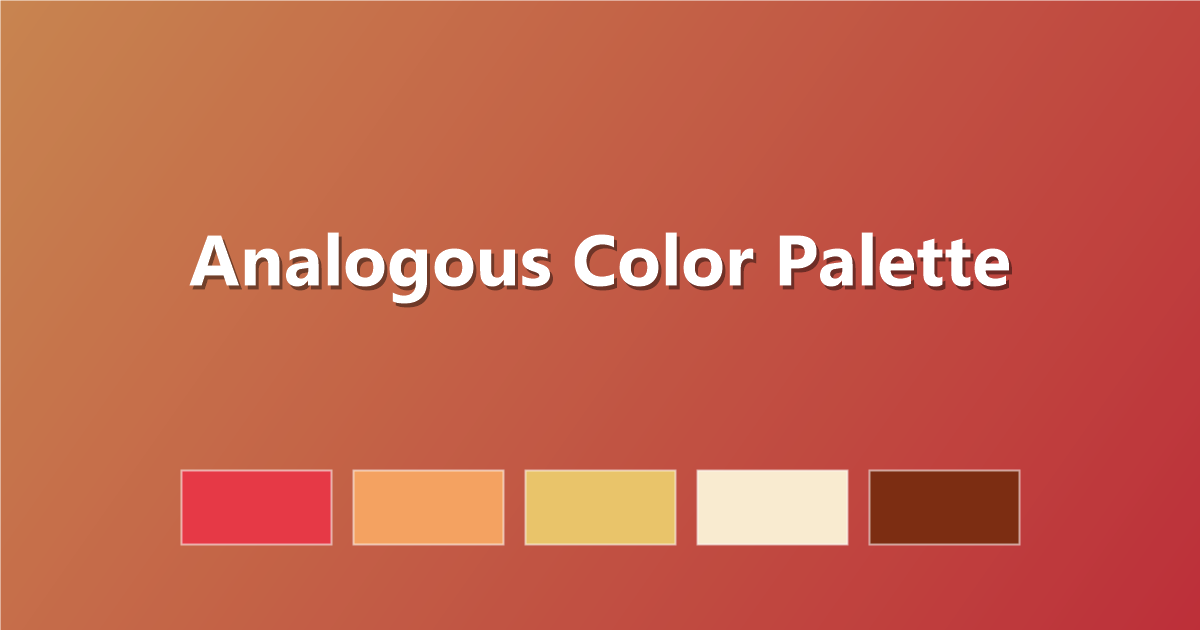
Random generation is great for inspiration and starting points, but it is the wrong tool when you need a palette to mean something specific — matching an existing brand color, hitting an exact mood, or satisfying an accessibility requirement from the start. In those cases, start from a fixed base color and build outward using real color theory (see complementary, analogous or monochromatic harmony) rather than rolling the dice.
Frequently asked questions
How do random color palette generators work?
They generate colors within controlled ranges of hue, saturation and lightness — pure random RGB values almost always look muddy, so good generators add color-theory constraints on top of randomness.
Why does pressing generate repeatedly give better results?
Random generation benefits from volume — generating many quick options and picking the best is generally faster and more reliable than trying to perfect a single roll.
Should I use a random generator or pick colors manually?
Use a random generator for exploration and starting points; switch to manual, theory-based color choices when you need to match an existing brand or hit a specific mood precisely.
Try it now: generate a random palette on PaletteCSS, lock the colors you like, and copy the result as CSS, Tailwind or hex in one click.