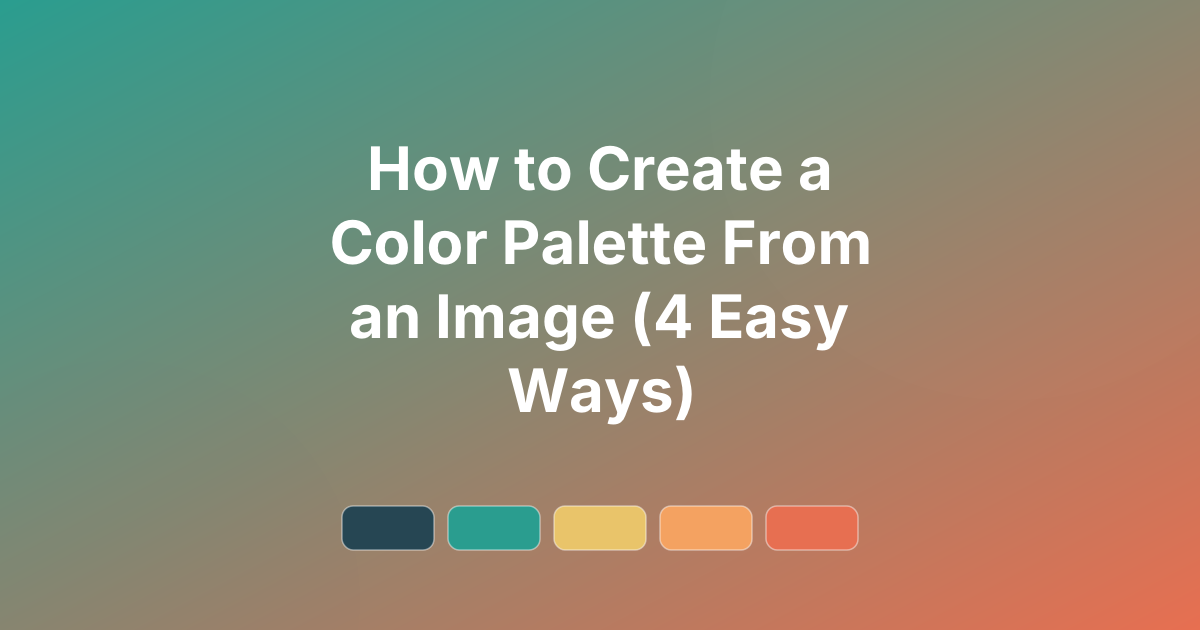
How to Create a Color Palette From an Image (4 Easy Ways)
Four ways to create a color palette from an image — online tools, design software, code, and by eye — plus tips for turning a photo into a usable scheme.
Some of the best colour palettes already exist — in a photo of a sunset, a product shot, or a piece of art. Learning how to create a color palette from an image lets you capture those exact tones and reuse them in your own designs. This guide covers four practical methods, from one-click tools to code, plus how to turn raw extracted colours into a palette you can actually use.
Once you have your colours, refine and copy them as CSS, Tailwind, or hex on the PaletteCSS palette browser.
How color extraction works
Tools that pull a palette from an image use colour clustering — algorithms (often k-means) that group the millions of pixels in a photo into a handful of representative colours. The result is the image's dominant tones expressed as hex codes. The same idea underlies every "extract palette" feature, whether it lives in an app or a few lines of Python.
Method 1: Online tools
The fastest option. Upload an image to a colour-extraction website and it returns the dominant hex codes instantly. This is perfect when you just need a quick set of colours from a photo with no software to install. Copy the hex values, then tidy them into a usable palette (more on that below).
Method 2: Design software (Photoshop, Figma, Canva)
If you already work in design tools, you have extraction built in:
- Figma — use the eyedropper (press
I) to sample any colour from a placed image. - Photoshop — the Eyedropper tool samples pixels, and you can add swatches as you go.
- Canva — uploading a photo can surface its dominant colours for use in your design.
This approach gives you full control over exactly which pixels you sample.
Method 3: With code (Python)
For developers, extracting a palette programmatically takes only a few lines. The colorthief library is the simplest option:
from colorthief import ColorThief

ct = ColorThief("photo.jpg")

# Single dominant colour
print(ct.get_color(quality=1))

# A palette of 5 colours
print(ct.get_palette(color_count=5))
This returns RGB tuples you can convert to hex — ideal for automating brand-colour extraction across many images.
Method 4: By eye (the manual way)
You do not strictly need a tool. Open the image, pick the four or five colours that define its mood, and note their hex values with any colour picker. This is slower but often gives the most tasteful result, because you are choosing the colours that matter rather than the mathematically dominant ones.
Turning extracted colors into a usable palette
Raw extracted colours are a starting point, not a finished palette. To make them usable:
- Trim to 4–5. Most extractions return too many similar tones — keep the distinct ones.
- Assign roles. Pick a dominant, a secondary, and an accent (see the 3 color palette guide).
- Adjust for contrast. Extracted colours often need a darker or lighter version for readable text.
- Add a neutral. A clean white, cream, or grey ties photo-based colours together.
Frequently asked questions
How do I get a color palette from a photo?
Upload it to an online colour-extraction tool, use the eyedropper in Figma or Photoshop, or run a few lines of Python with the colorthief library. Then trim the result to four or five colours.
What is the best number of colors to extract?
Four to five is ideal. Extraction tools often return more, but a usable palette is built from a small set of distinct colours plus a neutral.
How do I turn extracted colors into CSS?
Once you have the hex codes, paste them into PaletteCSS to organise them and copy the palette as CSS variables, Tailwind, or SCSS.
Refine your palette. Drop your extracted hex codes into PaletteCSS to clean them up and copy production-ready code, or learn the basics in how to choose a color palette.
Ready to use these colors?
Copy hex codes, CSS variables and Tailwind config instantly — free.