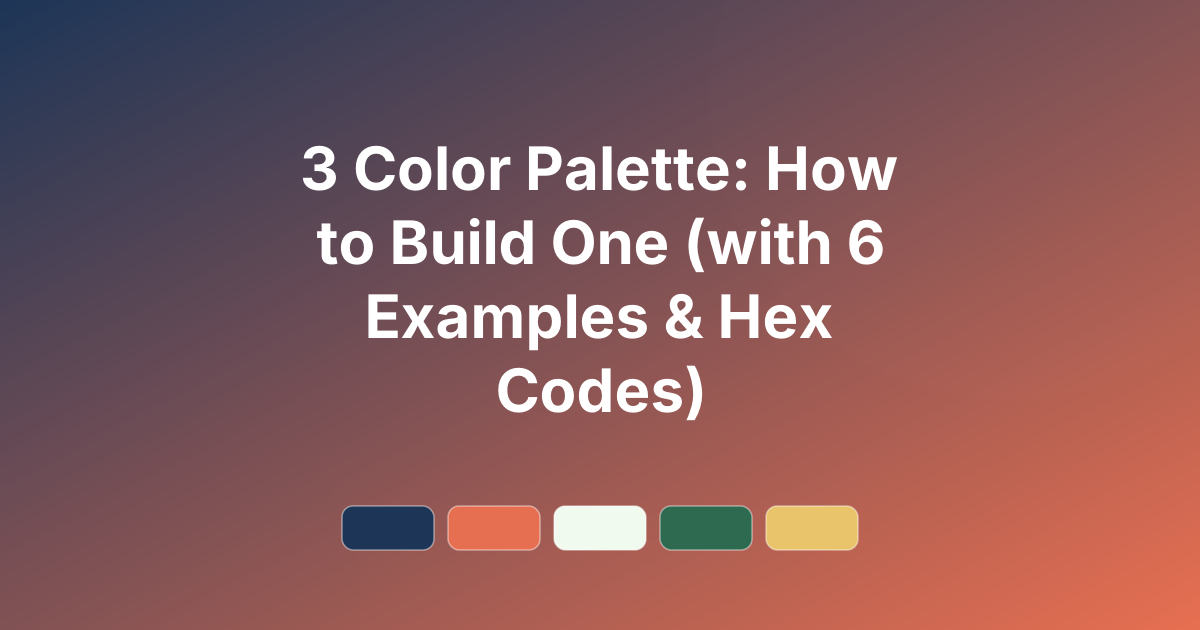
3 Color Palette: How to Build One (with 6 Examples & Hex Codes)
How to build a balanced 3 color palette using the 60-30-10 rule, plus six ready-made three-colour schemes with hex codes and copy-paste CSS.
A 3 color palette is the sweet spot of design. One colour can feel flat, and five can get chaotic — but three colours give you enough variety to be interesting while staying clean and cohesive. It is the formula behind countless well-designed brands, websites, and rooms. This guide shows you how to build a balanced three-colour scheme and gives you six ready-made examples with hex codes.
Want to generate your own three-colour combinations? Use the PaletteCSS palette browser to explore and copy schemes in seconds.
The 60-30-10 rule
The simplest way to use three colours is the classic 60-30-10 rule from interior design:
- 60% — your dominant colour. Usually a neutral or soft tone, used for backgrounds and large areas.
- 30% — your secondary colour. Supports the dominant colour and adds contrast — used for sections, cards, and headers.
- 10% — your accent colour. The boldest of the three, reserved for buttons, links, and anything you want to stand out.
This ratio keeps a design balanced: plenty of calm space, clear structure, and a punch of personality where it matters. For the colour-wheel logic behind choosing the three, see our colour theory basics guide.
How to choose your three colors
A reliable recipe is one neutral, one main brand colour, and one accent:
- Start with your main colour — the hue that represents your brand or mood.
- Add a neutral — white, cream, grey, or charcoal to carry the bulk of the layout.
- Pick an accent — a complementary or contrasting colour for calls to action.
6 three-color palettes (with hex codes)
1. Navy, Coral & Cream
Professional with a warm, friendly accent.
#1D3557 · #E76F51 · #F1FAEE
2. Forest, Mustard & Off-White
Earthy and confident.
#2D6A4F · #E9C46A · #F8F9FA
3. Charcoal, Teal & White
Clean, modern, and tech-friendly.
#22223B · #4EA8DE · #FFFFFF
4. Plum, Blush & Cream
Soft, elegant, and feminine.
#5C2A4E · #E8B4B8 · #F7EAE3
5. Black, Red & White
High-contrast and bold — a timeless trio.
#1A1A1A · #E63946 · #F5F5F5
6. Olive, Terracotta & Cream
Warm, natural, and on-trend.
#606C38 · #BC6C25 · #FEFAE0
How to use a 3-color palette in CSS
Map your three roles directly to CSS variables:
:root {
  --dominant:  #F1FAEE; /* 60% */
  --secondary: #1D3557; /* 30% */
  --accent:    #E76F51; /* 10% */
}

body   { background: var(--dominant); color: var(--secondary); }
.button{ background: var(--accent); color: #fff; }
Tips for three-color design
- Respect the ratio. Keep the accent rare — overusing it kills its impact.
- Make one a neutral. A neutral dominant colour stops three hues from competing.
- Check contrast. Your text colour must pass contrast against its background.
- Add tints if needed. You can use lighter and darker versions of your three colours without breaking the scheme.
Frequently asked questions
Is 3 colors enough for a palette?
Yes — three colours is often ideal. It gives variety and contrast while staying clean. Many famous brands use just two or three core colours.
What is the 60-30-10 rule?
It is a balance guideline: 60% dominant colour, 30% secondary, and 10% accent. It keeps a design cohesive with a clear visual hierarchy.
How do I pick 3 colors that go together?
Start with one main colour, add a neutral for balance, and choose a complementary or contrasting accent. A tool like PaletteCSS can generate matching trios for you.
Build your own trio. Browse color palettes on PaletteCSS, or learn more in how to choose a color palette.
Ready to use these colors?
Copy hex codes, CSS variables and Tailwind config instantly — free.